
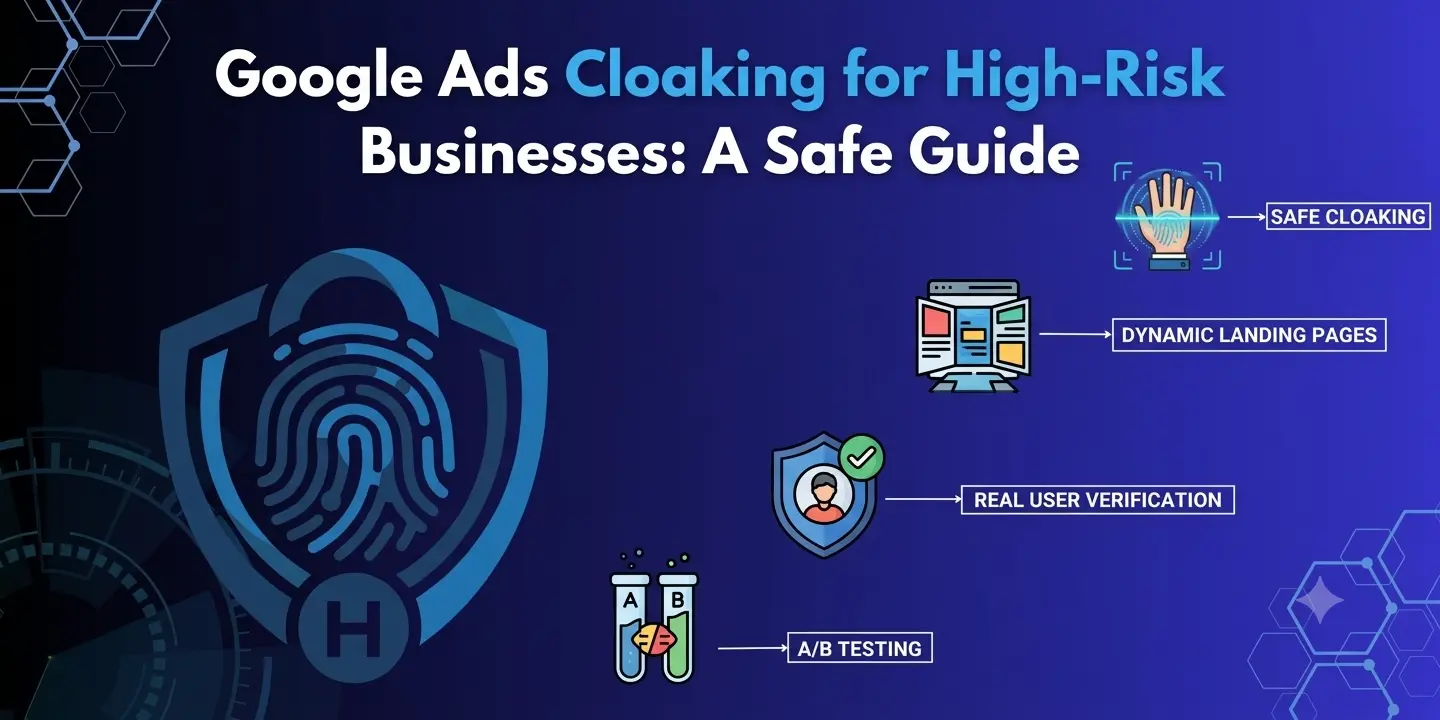
Google Ads cloaking does not appear to be a safe solution for high-risk advertisers. Google does not allow content that passes policy reviews to be shown to reviewers while different content is shown to everyone else. For businesses in highly sensitive categories, the better route is to build compliance into the landing page, filter traffic intelligently, and monitor campaign quality continuously.
High-risk companies usually undergo more detailed Google Ads reviews due to the specificities of the industry, offers, landing pages, etc. That is why Google Ads cloaking becomes a subject of discussion concerning managing traffic. Cloaking can lead to violating policies and putting an ad account at risk.
What is Google Ads cloaking?
Google Ads cloaking generally means displaying a different version of the website or destination page based on criteria such as the visitor, crawler, or traffic source.
This can be explained by the situation where an advertiser may want to display different versions of a landing page to an ad review system versus regular visitors. If the aim is to conceal disallowed content or circumvent the policies of Google, it would fall under the category of cloaking in Google’s Circumvention Systems policy.
Personalisation does not automatically imply cloaking. There are situations where Google permits legitimate variation in personalisation depending on language, geography, offers, or slow connections, so long as the promoted products/services are the same.
Why high-risk advertisers consider it
Many high-risk advertisers face recurring problems such as:
- Repeated ad rejections
- Limited destination options
- Account suspensions
- Higher verification requirements
- Low-quality or automated traffic
- Payment and regulatory friction
- Landing-page compliance challenges
- Unstable campaign performance
The desire for quick solutions may lead high-risk advertisers to consider using Google Ads. However, hiding the prohibited offer will not resolve the issue of the policy violation.
Advertisers need to find out why the campaign is limited and address the problem.
Is Google Ads cloaking allowed for high-risk businesses?
No. Google does not allow cloaking when it is used to bypass ad policies or hide non-compliant content.
Google clearly provides examples like displaying policy-compliant content to Google and something different to users. It also does not allow redirections or clicks to redirect users to sites that are disallowed by Google.
Why this matters
Traffic protection tools that will protect the site from bots, detect suspicious clicks, measure traffic quality, or increase the security of your website are completely different from a tool that will try to bypass ad reviews.
What should high-risk advertisers do instead of ads cloaking Google?
A better way to cloak Google Ads would be to establish an open marketing and traffic quality system for the campaign.
| Layer | Purpose | Recommended approach |
|---|---|---|
| Ad | Set accurate expectations | Match the actual product and offer |
| Landing page | Provide the advertised experience | Keep content clear and policy-compliant |
| Traffic validation | Identify suspicious visitors | Analyse IP, device, behaviour, and referral signals |
| Security | Reduce malicious activity | Block abusive or clearly harmful traffic |
| Analytics | Measure traffic quality | Track clicks, sessions, conversions, and anomalies |
| Compliance | Reduce account risk | Review policies and correct disapprovals |
| Monitoring | Detect changes | Monitor campaign and landing-page behaviour continuously |
This approach protects advertising performance without trying to hide the destination from Google.
How to protect a high-risk Google Ads campaign
- Analyse the reason for the restriction. Before changing the technical setup, understand which Google Ads policy is involved. Review the disapproval reason and diagnose whether it concerns destination, business model, claims, prohibited content, false information, or another issue.
- Keep the landing page transparent. Make the business offer and operator clear. Include business information, contact details, product or service descriptions, price information, terms and conditions, privacy policy, refund disclosures, and necessary licences or certifications where relevant.
- Implement traffic validation. If the concern is suspicious or low-quality traffic, use validation instead of cloaking. Review IP reputation, device signals, geography, referral data, session behaviour, clicks, proxy or VPN indicators, data-centre traffic, and automated behaviour.
A useful rule of thumb is simple: if 10,000 clicks produce only 6,000 real sessions, the extra 4,000 likely deserve investigation.
What to check before launching a high-risk campaign
Use a practical pre-launch checklist:
- Business and compliance: Confirm the business is eligible to advertise, understand applicable policies, obtain licences if required, disclose the business clearly, and remove misleading claims.
- Landing page: Make sure the page loads correctly on desktop and mobile, match the offer to the ad, provide original content, test forms and checkout, and review legal and commercial pages.
- Technical configuration: Verify HTTPS, test redirects and HTTP status codes, ensure Google AdsBot can reach the destination, do not block Google crawlers via robots.txt, and check the final URL from different locations.
- Traffic quality: Monitor unusual click spikes, repeated IP activity, device and geography patterns, session quality, conversion ratios, and abnormal referral sources.
Can traffic filtering be used with Google Ads?
Yes, but traffic filtering could also be utilised in a perfectly legitimate manner – as long as it does not become a way to hide illegal content from Google.
For instance, a security system could detect a suspicious request from an automated source and then take an appropriate action on a security front. This is not the same as trying to show Google one version of a landing page while showing an illegal page to everyone else.
Google Ads cloaking vs. traffic protection
| Google Ads cloaking | Traffic protection |
|---|---|
| Can involve different experiences for reviewers and users | Keeps the advertised experience consistent |
| May be used to bypass enforcement | Focuses on security and traffic quality |
| Can create account risk | Helps identify suspicious activity |
| Hides the underlying issue | Helps diagnose the underlying issue |
| Focuses on evasion | Focuses on protection and measurement |
The essence of it is that traffic security recognises and controls hazardous traffic, whereas prohibited cloaking seeks to conceal the real advertising experience.
When businesses require an additional security layer for their traffic, the software HideClick may be considered for traffic analysis and detection of suspicious visitors without any change to the offered advertisement on Google’s part.
A practical Google Ads cloaking strategy for safer campaigns
In case you want to safeguard a risky campaign, apply this five-step process:
- Verify. Make sure that the company, deal, and landing page are compliant with relevant policies.
- Validate. Review the incoming traffic to identify any signs of unusual or automated behaviour.
- Protect. Utilise legitimate safeguards against abuse.
- Measure. Compare the number of clicks, sessions, engagement, and conversions.
- Improve. Improve the campaign, landing page or traffic source based on real facts.
Such a strategy allows advertisers to have most of the advantages that they can obtain while trying to find Google Ads cloaking services.
Final takeaway
Google Ads cloaking is not a viable approach for risky businesses, considering that the aim here is hiding certain information or bypassing Google's review process. This type of cloaking is explicitly prohibited by Google, and it may face severe consequences if it violates any policy.
A better strategy to adopt would be using a more open approach in landing page creation, along with traffic verification, security measures, proper tracking, and compliance with all policies.
Frequently Asked Questions
Can high-risk businesses use traffic filtering with Google Ads?
Yes, traffic filtering can be legitimately used for both traffic quality and security reasons. However, the main thing here is that filtering cannot be used to conceal a forbidden destination address or make a different offer to Google.
What is better than Google cloaking ads?
A legitimate option will include a compliant landing page, honest advertising, traffic verification, security monitoring, accurate tracking, and regular policy review. It would be reasonable to consider such options as HideClick.
Can redirects cause Google Ads problems?
Yes. Redirects might lead to problems related to destination mismatch, accessibility, or crawlability. According to Google, the destination should be working and available.
About the Author
The author is writing about paid advertising, traffic quality, advertising security and advertising technology. Their main goal is to give readers a practical approach to protecting the advertising budget and keeping the user experience compliant.